Autopilot

The producer that runs your channel while you sleep.

Pick your days and times. Autopilot chooses the idea, reads the sources, writes, voices, makes the clips, scores and cuts the film, then schedules it on YouTube. You can watch every step, or none of them.

Plugged into YouTubeSign in with GoogleUploads to your channelSchedules the date and timeTitle, description, tags and a pinned comment
01

Studies the channel you pick

Topics, pacing, script voice, look, thumbnails, titles, schedule. Read from the channel's public work; nothing downloaded or reused.

02

Carries its DNA into every video

Every script, clip, thumbnail and title is checked against the Style DNA before the next step starts.

03

Stops where you ask

Three doors — the cold open, the clips, the upload. Leave one open and the film waits there for you.

04

A steady schedule

Tuesday and Friday at 7:00 means Tuesday and Friday at 7:00. The queue is planned days ahead so nothing goes out late.

Doors

Autopilot, with a hand on the wheel.

Three places where a film can wait for you. Open the ones you care about; the producer stops there and tells you. Close them all and it publishes on schedule.

Door 1

The cold open

The title and the first line, before anything is made. Change a word, swap the angle, or send it back for another idea.

Door 2

The clips

Every clip, laid out in order. Remake the ones you don't like; the rest of the film is cut around your choices.

Door 3

The upload

The finished film, thumbnail and title, scheduled and waiting. Watch it, then let it go — or move the slot.

On your phone

A door opens. Your phone tells you.

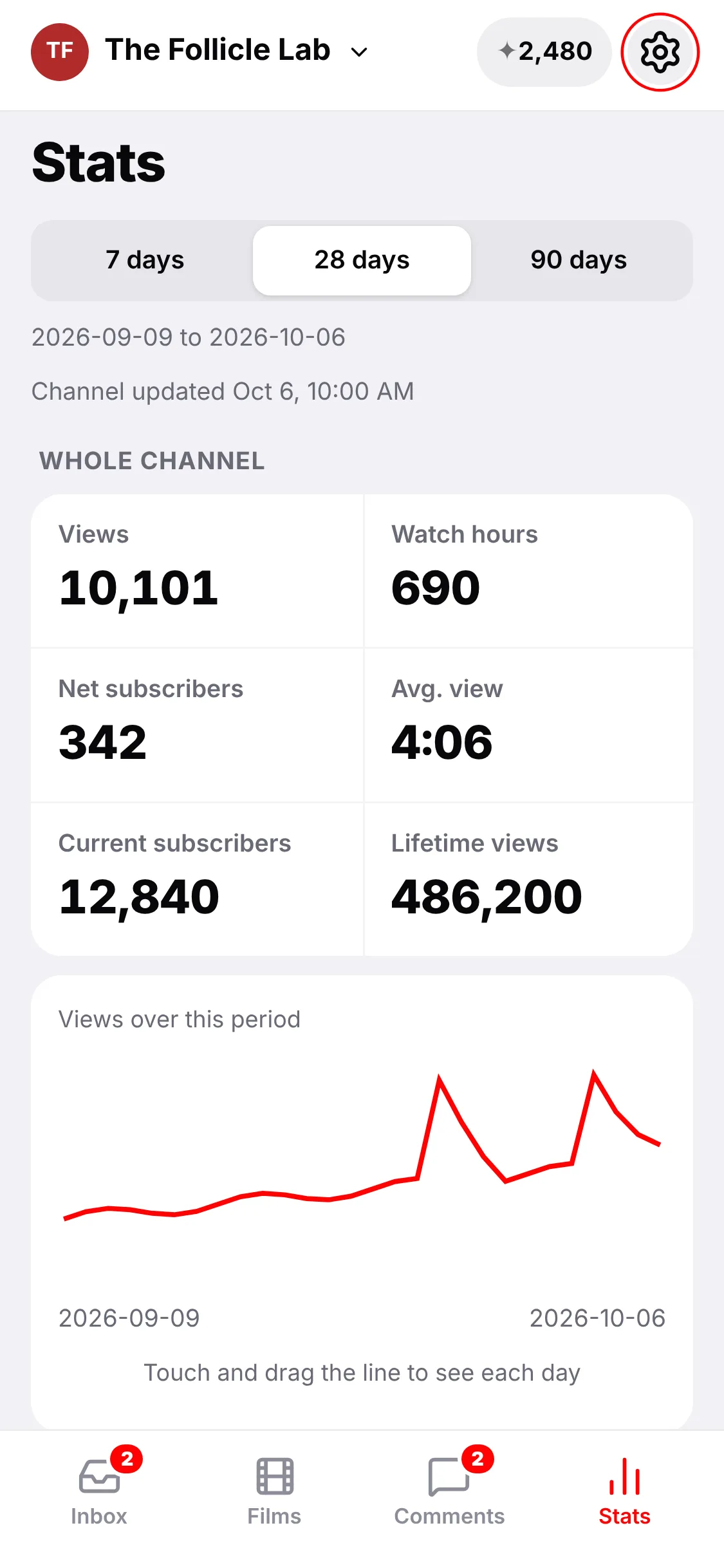
When a film waits at a door, the phone app sends you an alert. Check the opening and the pictures, answer comments and see your numbers, from wherever you are.
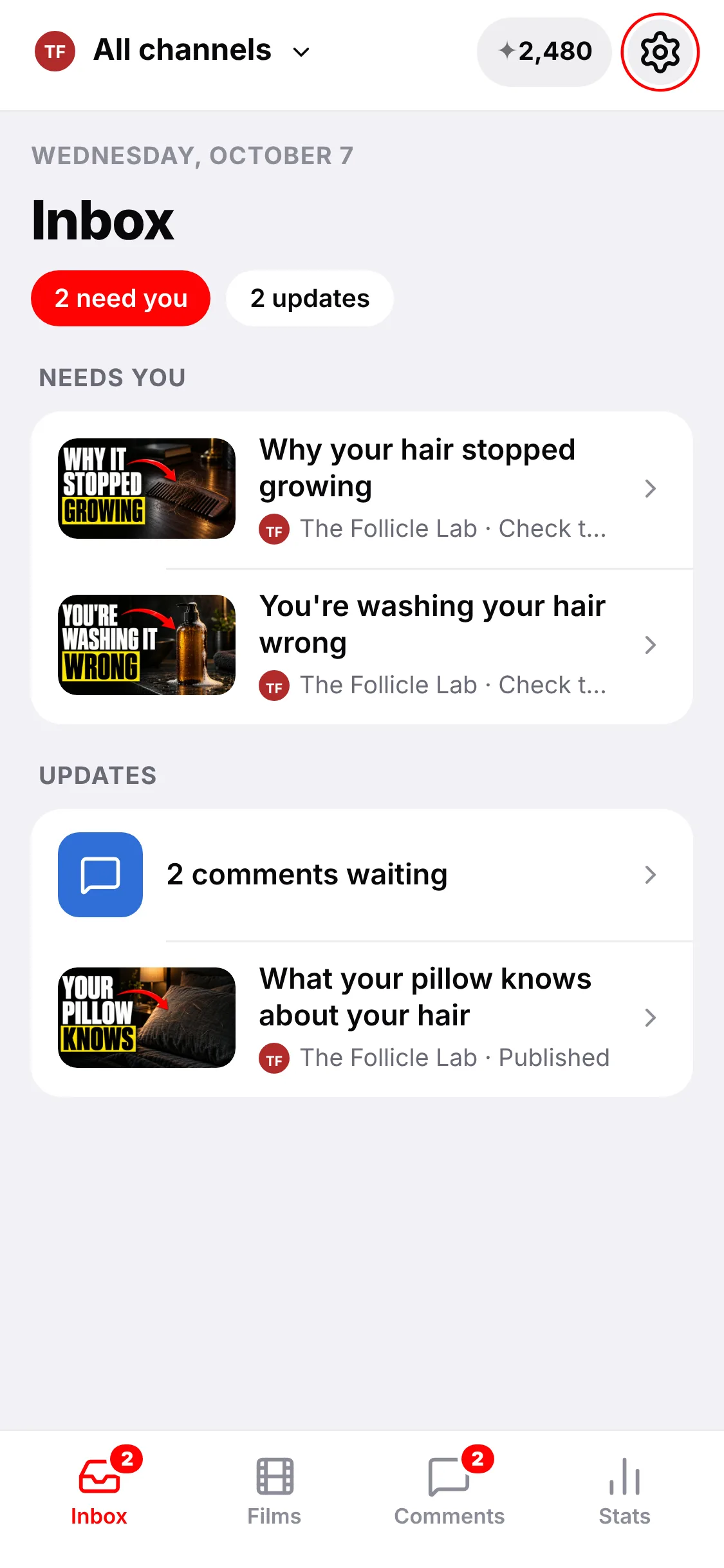
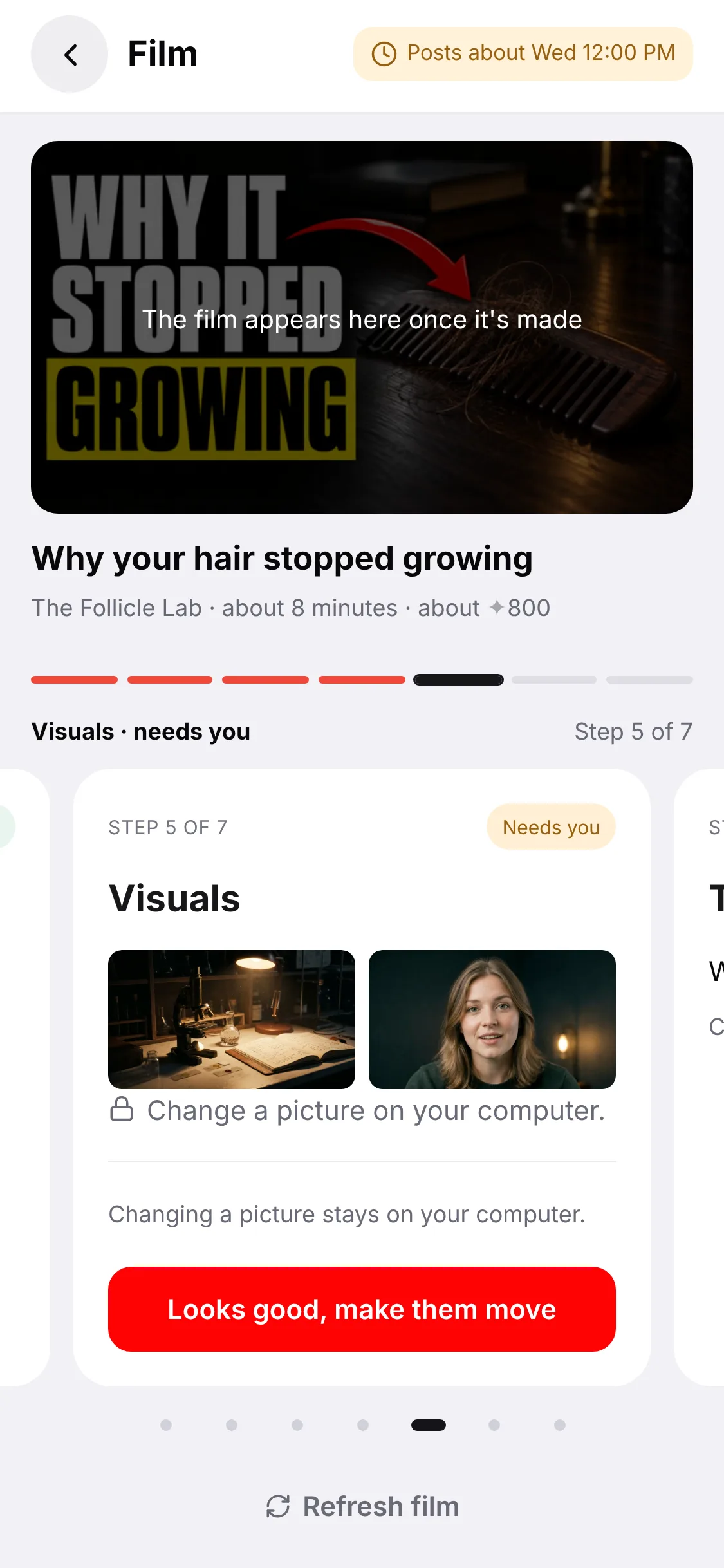
The phone app's Inbox: two videos wait for a check, and two comments wait for an answer A video on the phone at the pictures check, with the button Looks good, make them move The phone app's Stats: views, watch hours and subscribers for 28 days

What else is in the box

Built for a channel that keeps going.

Series

Plan 3–12 parts in one go.

Describe the series in your own words. The producer proposes the parts in order, each one built on the last, and days are given out only when you commit.

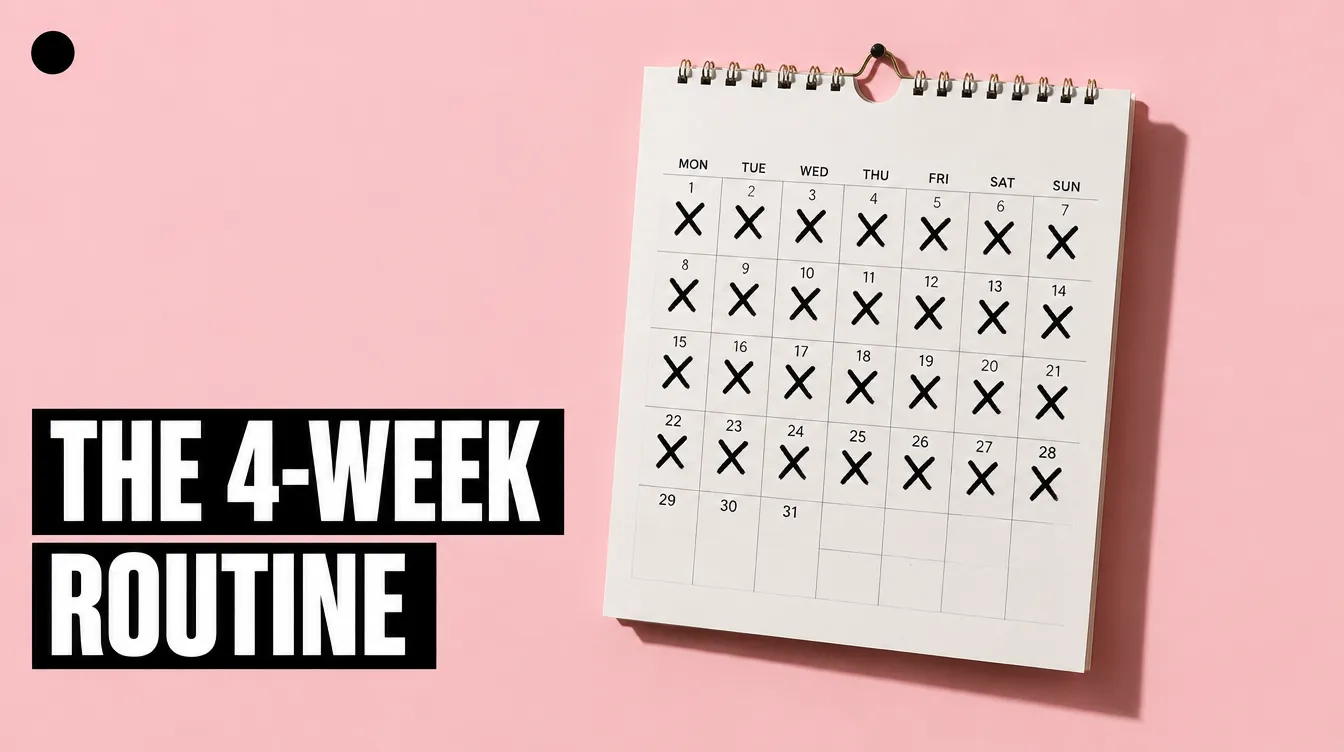
Grow your hair back3 parts · Tue · Fri
Why Your Hair Stopped Growing — Part 1Tue 7:00 · scheduled
The 4-Week Routine That Fixes It — Part 2Fri 7:00 · filming
What Grew Back, and What Didn’t — Part 3Tue 7:00 · queued
Library

Your own footage, where it fits.

Upload clips, photos and documents. The producer uses them when they serve the story and makes the rest in the channel's look.


Library4 clips · 2 documents
Kitchen, night · 0:14
Used in Part 1
Bedroom · 0:09
Consulting room · 0:11
Used in Part 2
Clinic · 0:07
Make it yours

The six settings that change a video most.

Expertise, host, studio, music, look and movement. Set them once; every video after that carries them. Texture, thumbnail habits, brand motion and the call to action sit underneath for when you want to go further.

ExpertiseTrichologist, plain English
HostYou · from one take
StudioThe default studio
MusicTense / Low pulse
LookArchival, desaturated
MovementSlow push-ins
Doors

Approve as much as you like.

Each door is a switch on the channel. Open all three and you see every film before it exists, while its clips are made, and before it posts.

Door 1The cold open
Door 2The clips
Door 3The upload● Waiting for you

Use cases

By format.

Whatever the channel you admire makes, the producer learns how it is made.

DocumentaryLong, sourced, narrated
ExplainerOne question, answered
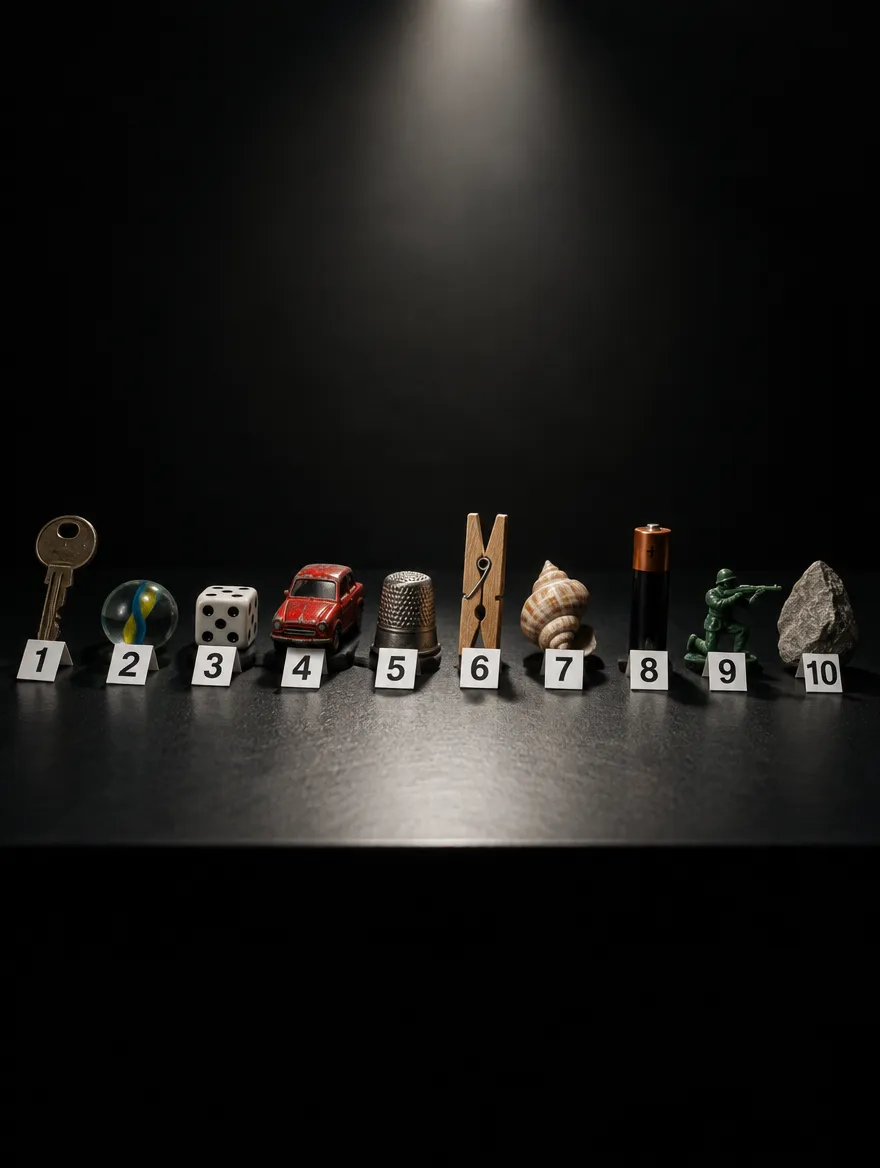
CountdownTen of something, ranked
StoryA person, a place, a turn
EssayAn argument, on camera
TutorialStep by step, on screen

Host

Your face. One take.

Read one paragraph to your phone. From then on you host every video, in the studio you pick — or use a stock narrator and stay off camera.
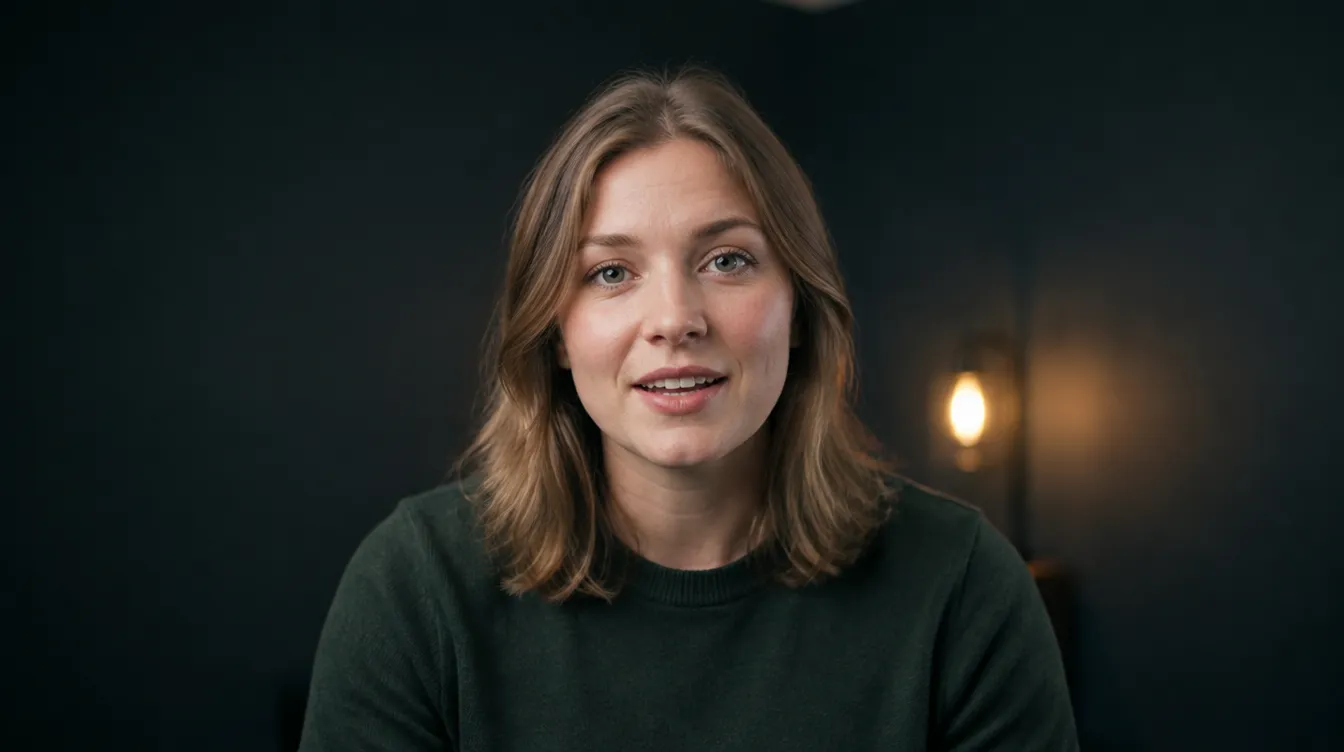
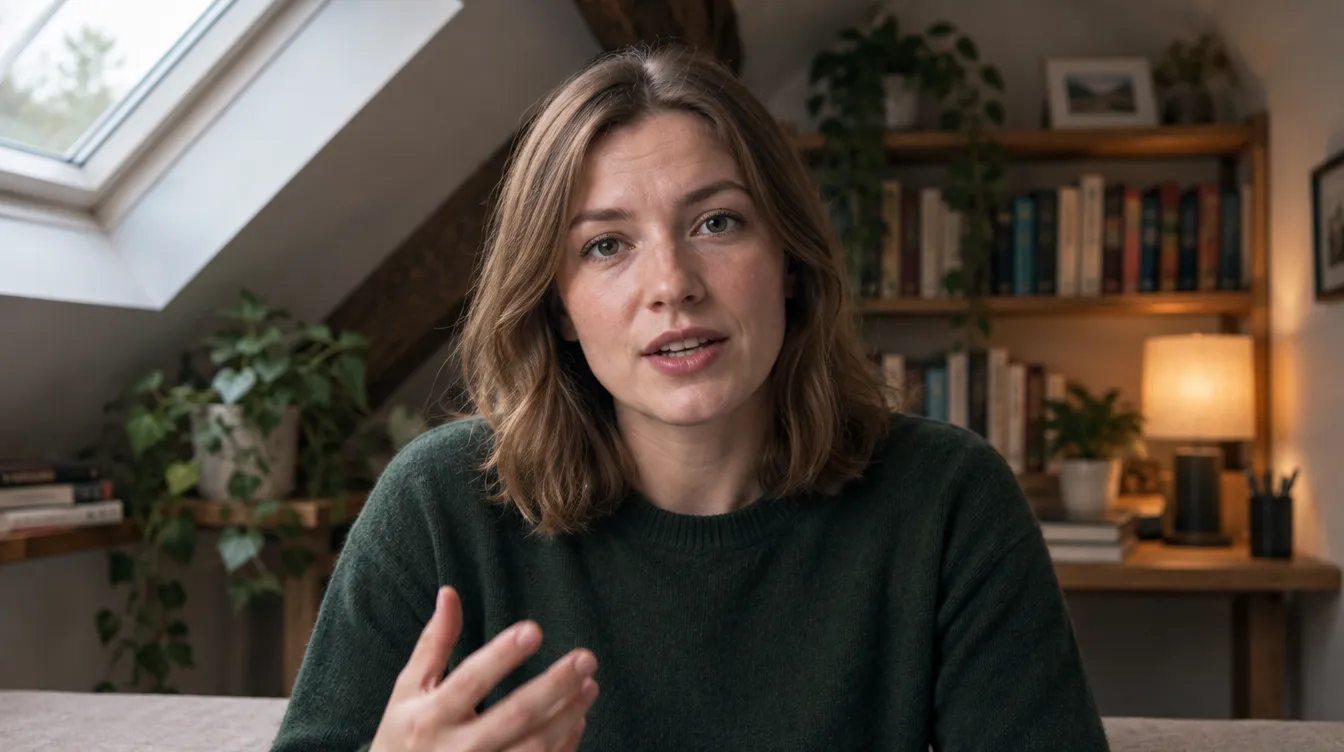
The default studio
Studio option
Character host

The line

The right tool for every beat.

Six stages, each with its own job. No stage starts until the one before it passes the channel's rules.

PlanAn idea measured against what is getting views now, with the sources to back it.
→
WriteA fact-checked script in the channel's own sentence length and voice.
→
VoiceYour voice from one take, or a stock narrator.
→
ClipClips in the channel's look; your footage where it fits.
→
MoveCamera moves and motion, at the channel's pace.
→
CutScore, maps, name cards, numbers on screen. Thumbnail and title last.

Start here

Start with the Starter Pilot.

Up to 2 finished videos, 1 longer or 2 shorter, published to your own channel. When you want more, choose a monthly plan inside your account.

The one offer

Starter Pilot

$69 to get started
✦1,200cr · up to 2 finished videos
  • 1 longer or 2 shorter finished videos
  • All four studios
  • Your approval on every video before it goes live
  • Every video quoted before it renders
Start your pilot

Questions

About Autopilot.

What if I don't want it to publish on its own?
Open the third door. Every film then waits at the upload until you have watched it. You can also leave Autopilot off entirely and make each video by hand from the queue.
How far ahead does it plan?
The queue is filled for the days you picked, usually a week ahead. You can reorder it, rename anything in it, or drop an idea before it is made.
Does it copy the channel I point it at?
No. It learns the style — how the channel works — and never its content. None of that channel's footage, audio or artwork is used.
What happens if a fact does not check out?
The claim is cut from the script before the voice is recorded. If the idea depends on it, the idea is dropped and the next one on the shelf is used.
Can I stop it at any time?
Yes. Autopilot is a switch on the channel. Off means nothing new starts; anything already in progress waits at the next door.